You can use below application to encrypt the password and sensitive information, then send the link to the intended recipient.
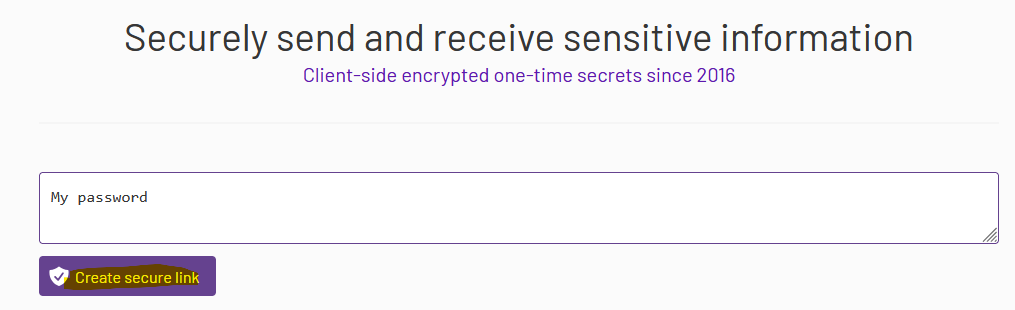
Step 1 – Enter the sensitive information, then click “Create secured link” button.
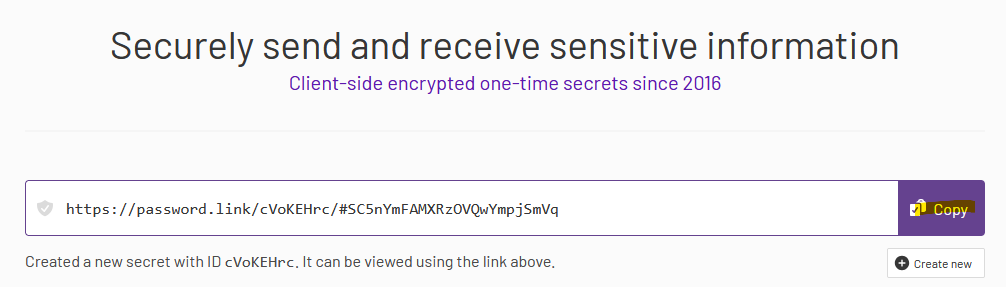
Step 2 – Click “Copy” button to copy the URL, then send it to th user.
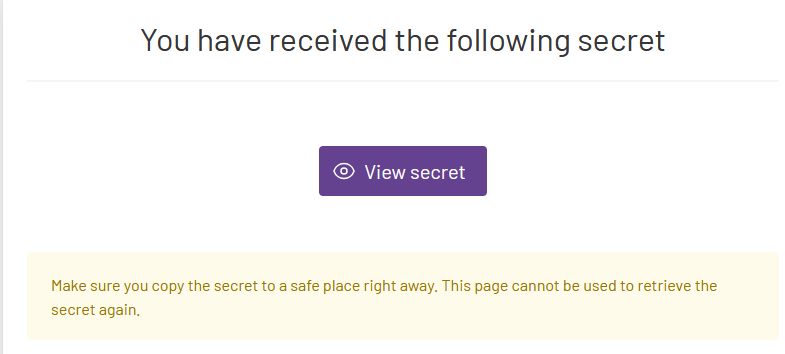
Step 3 - The user will receive below. They will click the ‘View secret’ to display the information that you have sent. The link will be invalid after it is clicked.
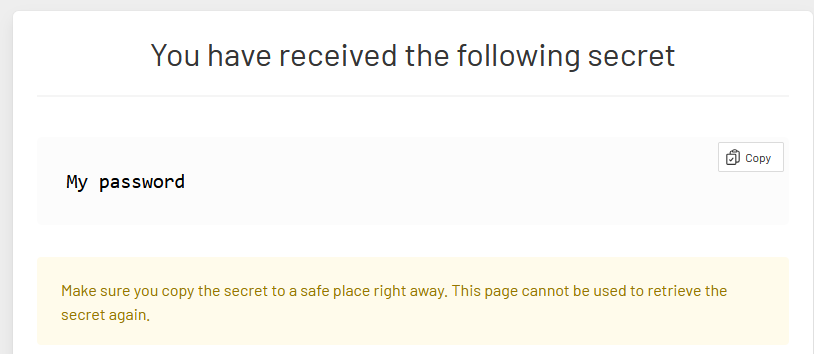
After the "View secret" button is clicked.
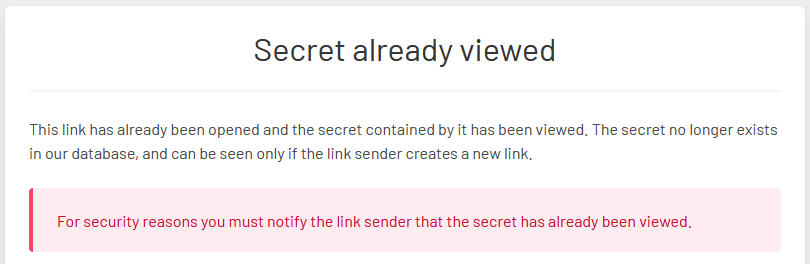
If the URL is clicked again, it will be shown as already been viewed.